Release Notes vNext 2026.11
All the new changes - August 2026
CALCULATION
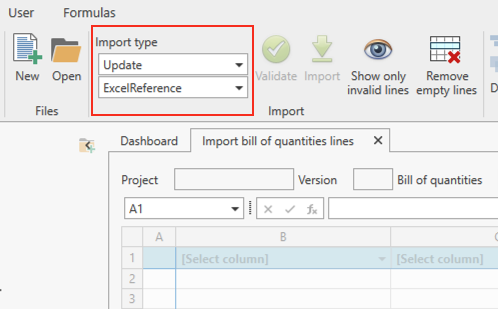
Import BOQ: default Import Type set to Excel Reference in Update mode
When importing a bill of quantities in Update mode, we've changed the default Import Type to Excel Reference. Excel Reference is the most commonly used matching method, as it stores the original row number from the source Excel file, making it the most reliable way to match lines when updating a previously imported BOQ. This change only applies to Update mode; other import modes are not affected.
PRICE REQUESTS
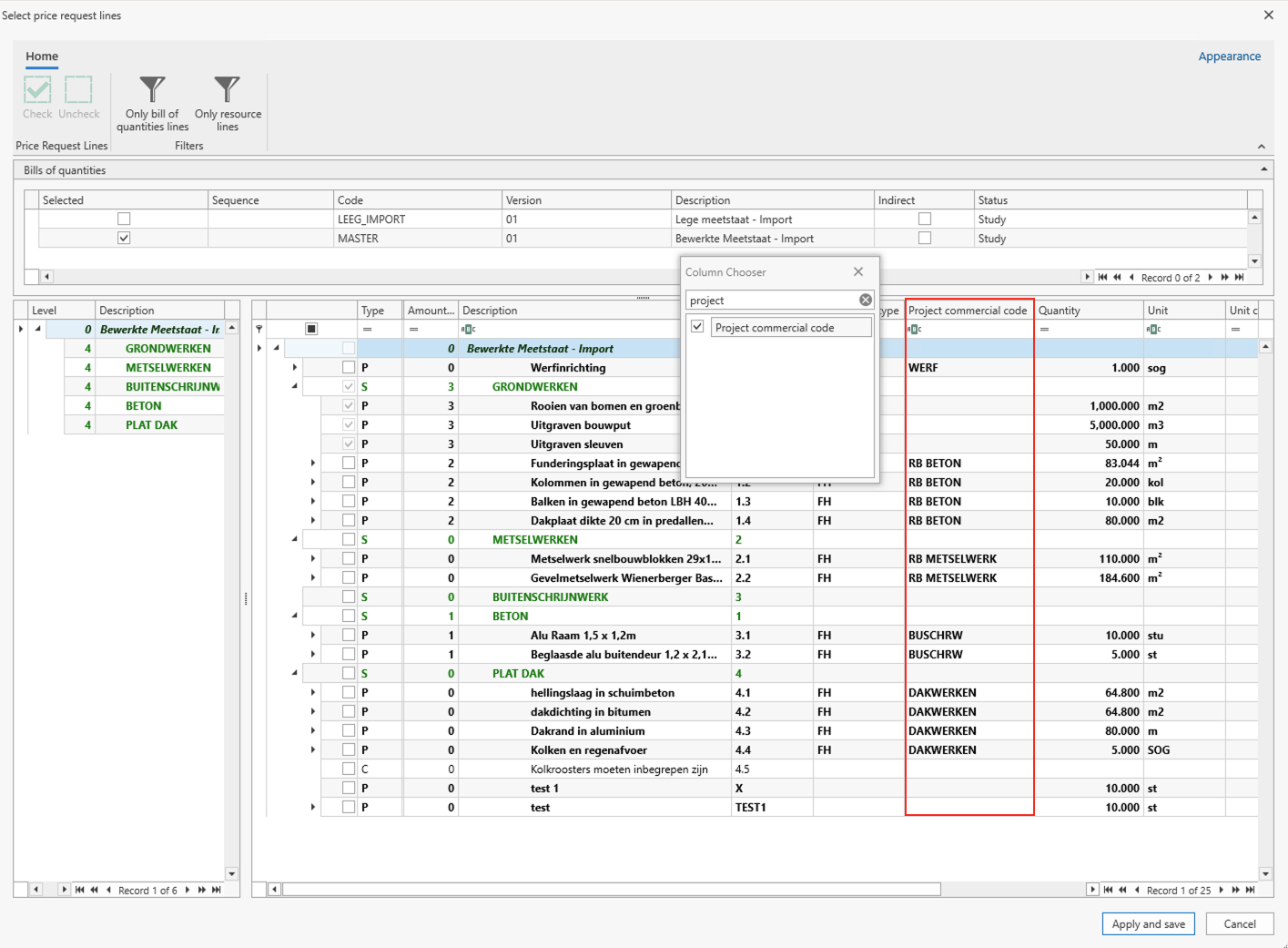
Price requests: new column for commercial code
A new column, Commercial Code, has been added to both the price request line selection screen and the Generate Price Requests screen. It is now possible to see the commercial code of the bill of quantities lines when selecting lines for an existing price request or when generating new price requests, making it easier to use as a reference. The column is read-only and hidden by default; it can be added to the view via the Column Chooser. It only applies to bill-of-quantities-level lines - calculation lines nested underneath remain blank.
PROGRESS REPORTS
Default progress report: revision formula improvements
The revision formula section of the default progress report has been improved, for both the Dutch and French versions. Revision formulas are now listed alphabetically by code instead of by internal ID, and the description of each revision formula is now included in the report (e.g. “2025-01: Labor cost index”).

BUDGET
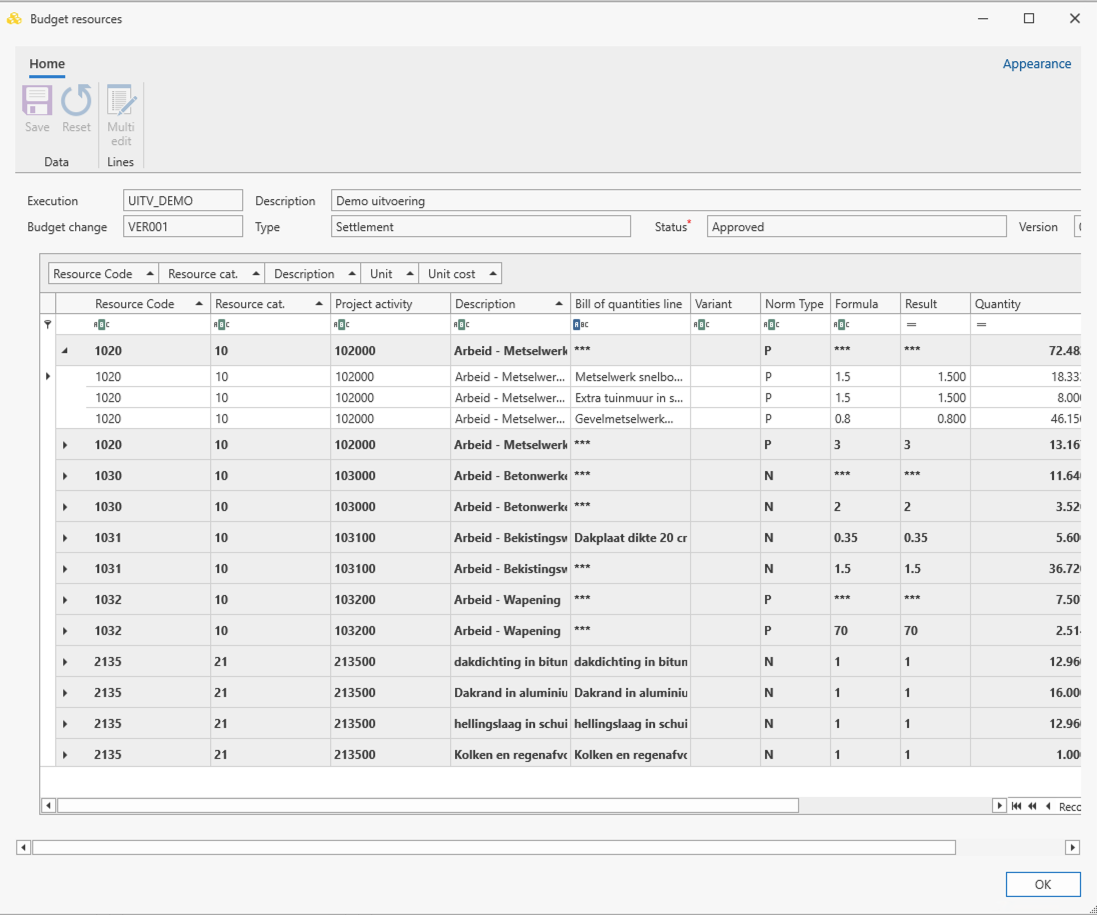
Budget Resources screen can now be maximized
From now on, the Budget Resources screen can be maximized using the title bar button, and can be freely resized by dragging its edges.